




Approval comes first
The recipient reviews your request and chooses whether to share a location.
Trusted by 1M+ Users
Send a secure request asking someone to share their location. They decide whether to approve it.
PHONE LOOKUP
A straightforward way to request a location share and manage the response.
The recipient reviews your request and chooses whether to share a location.

Enter a phone number to begin a private location-sharing request.
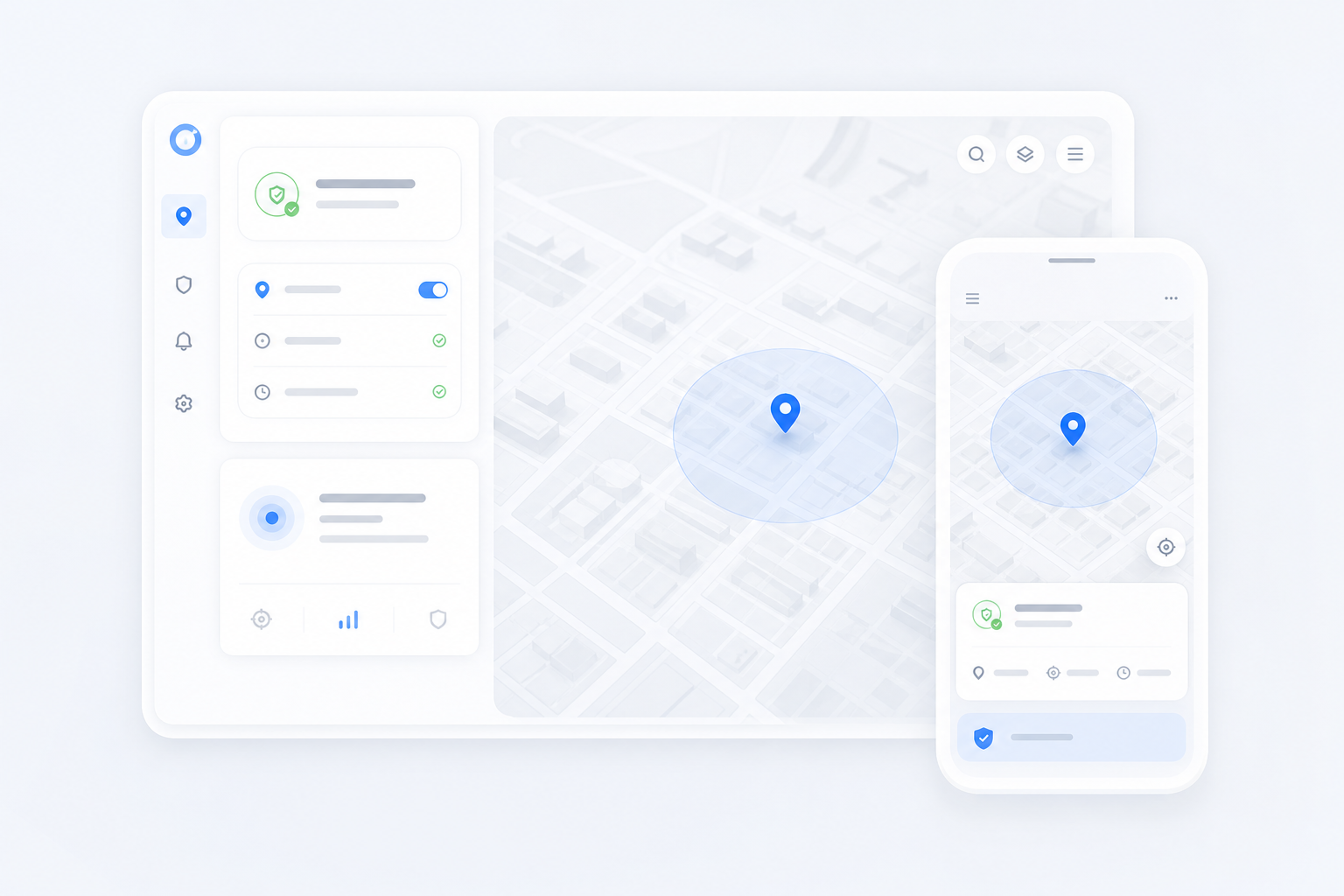
Check the request from the account used to create it.
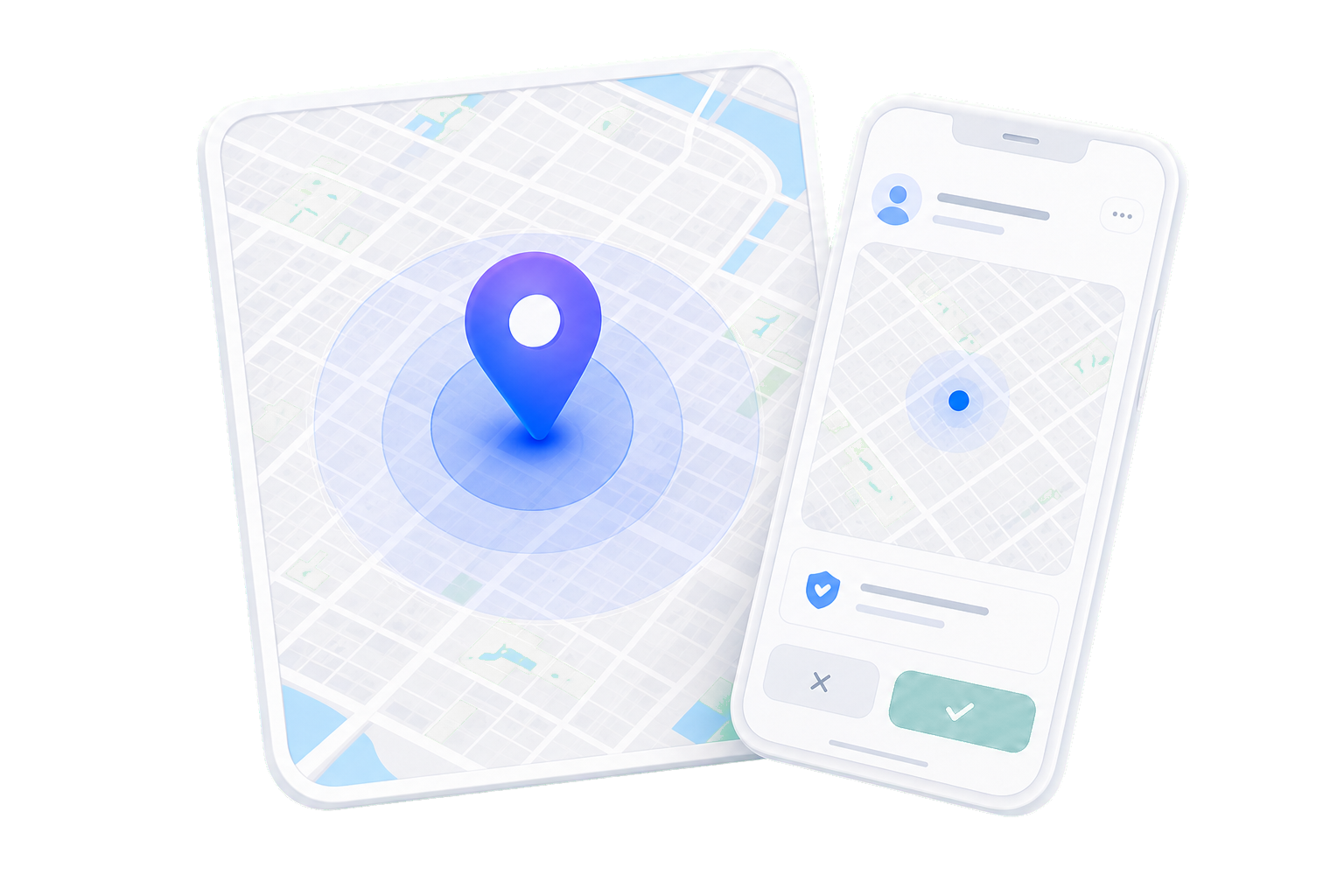
Open the service from a desktop, tablet, or mobile browser.
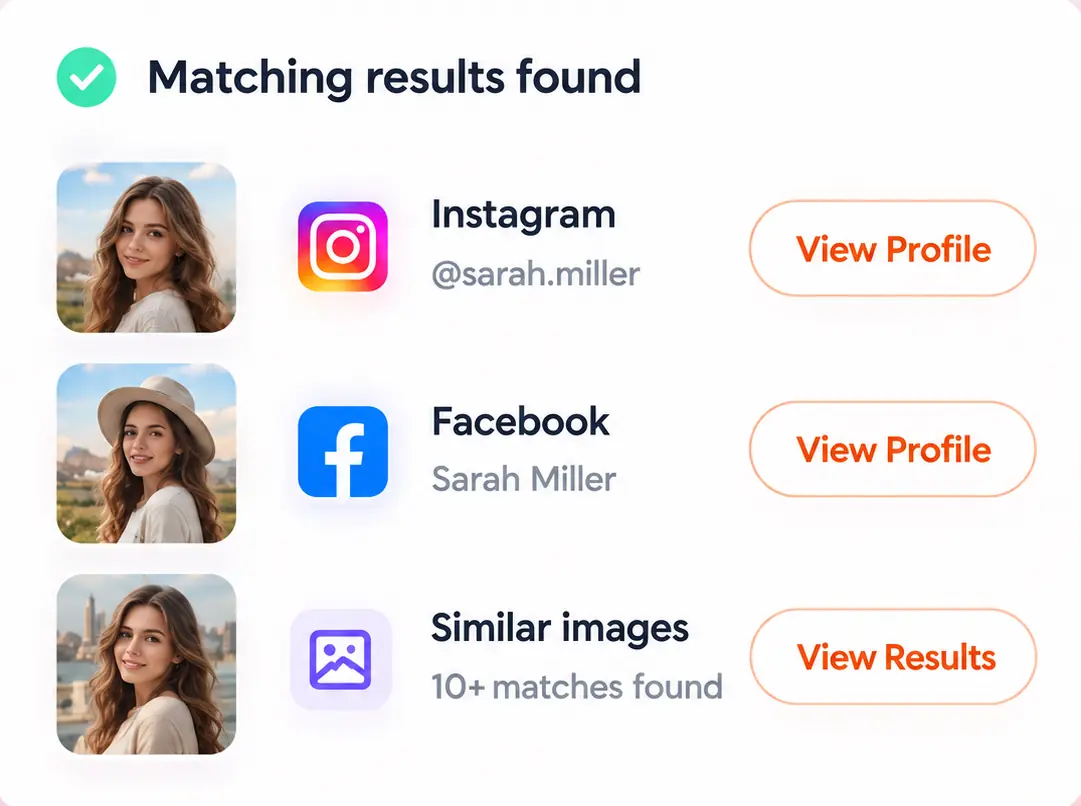
Switch between the phone request and image search views while keeping your account and page context in one place.
HOW IT WORKS
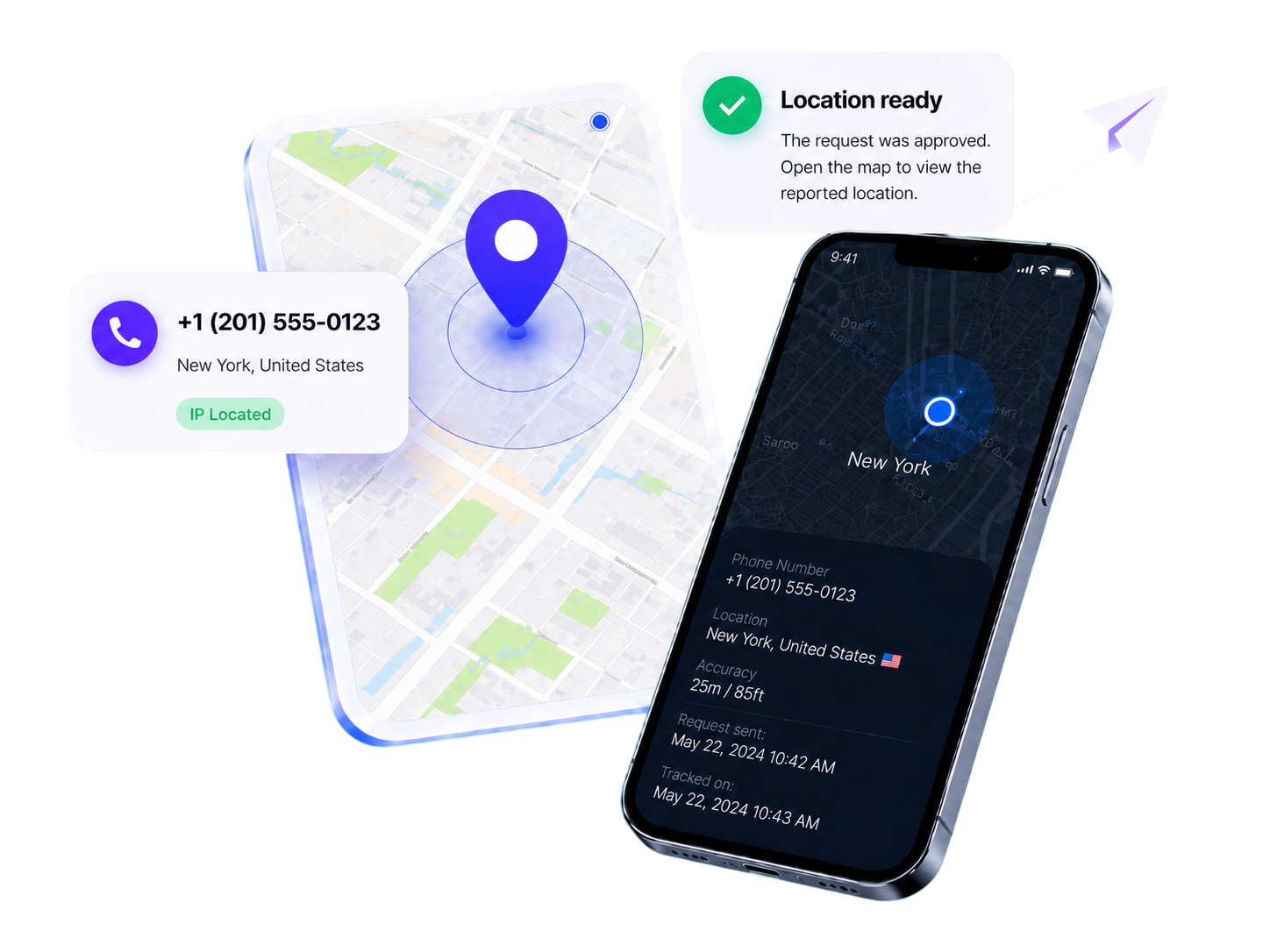
Enter the phone number of the person you want to contact.
The recipient receives a request and decides whether to approve it.
If approved, open the shared location from your account.
CONSENT IN PRACTICE
A phone number starts a request. It does not reveal a device’s live location.
The recipient receives a private request to share their location.
The recipient can approve or decline the request.
If approved, you can review the shared location in your account.
FAQ
No. The recipient must approve the request before sharing their location.
No. A phone number starts a request; it does not bypass the recipient’s permission.
No. The request flow is available in a browser.
Sign in to the account used for the request to review its status.
Yes. The same account supports phone and image search features.
The location is not shared unless the recipient approves the request.
GET STARTED
Enter a number in the form above. The recipient decides whether to share their location.
Start a requestTrusted by 1M+ Users
Search FaceCheck’s indexed faces with an authorized adult photo.
Choose an authorized adult photo
IMAGE SEARCH
Review the photo, permission, and limits before deciding to search.

Select a JPG, PNG, or WebP file within the upload limit.

Review the selected image in the browser and remove it before submission.

Review the adult-photo and permission requirements before searching.

Check the returned results with care and consider the source context.

The page explains when the image leaves your device, how to clear your selection, and what the search result can and cannot tell you.
HOW IT WORKS
Choose an authorized adult photo, confirm permission, then review possible matches.
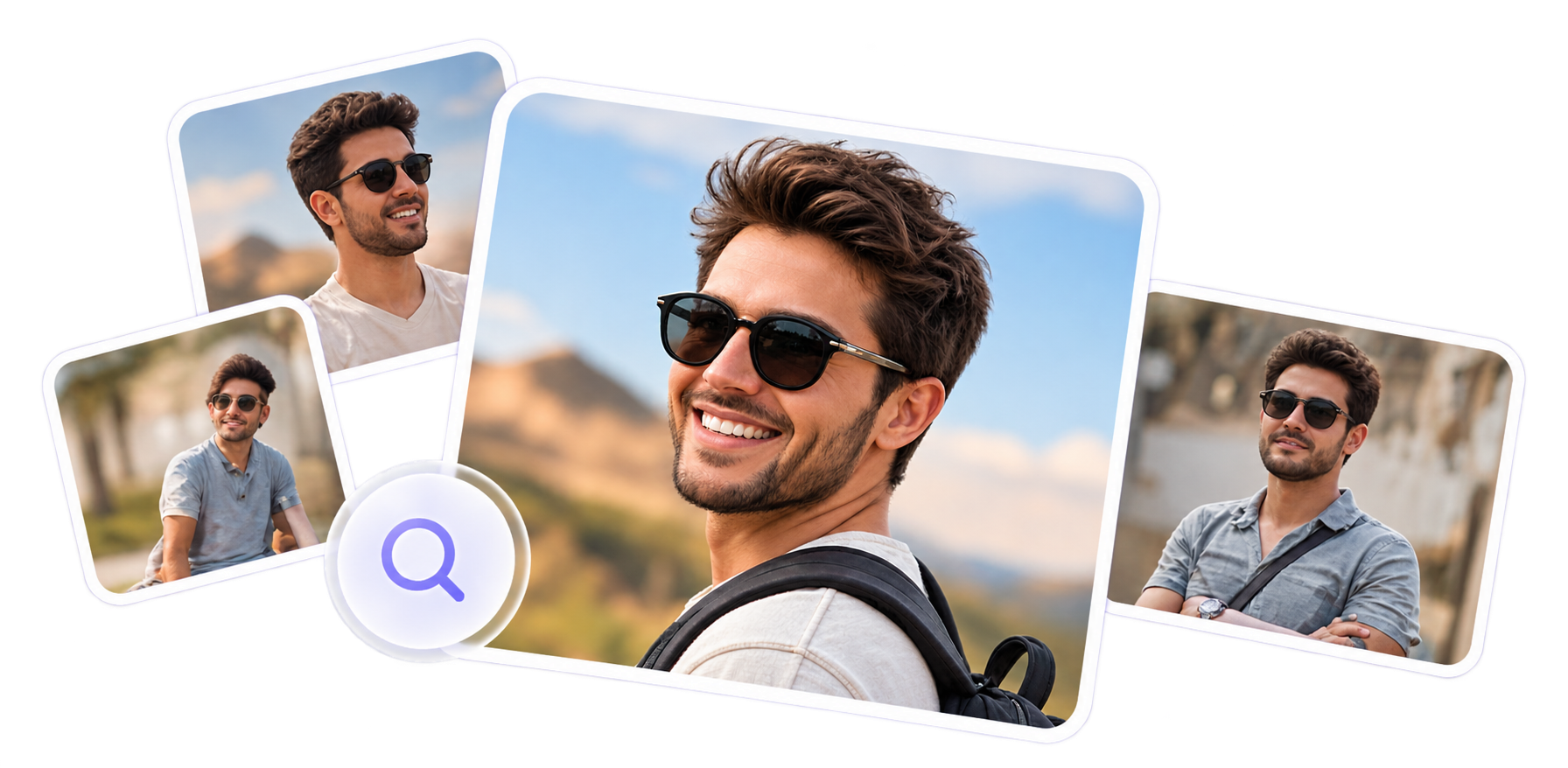
Pick a supported image or drop it into the upload area.
Confirm the photo shows an adult and that you may use it.
Start one search, then review the results and their limits.
PRIVACY
The browser previews the image locally. When you start a search, the image is sent to this site and FaceCheck. Use only an adult image you own or have explicit permission to use.
FAQ
This page searches FaceCheck’s indexed faces using authorized adult images.
Face search starts with a photo. FaceCheck compares it against its indexed faces.
JPG, JPEG, PNG, and WebP files up to 5 MB are supported.
Results and scores do not confirm identity, and search coverage may be incomplete.
Yes. The selected image is sent to this site and FaceCheck when you start a search.
Yes. Click the × in the upper-right corner of the preview to clear the selection.
The site submits one search and checks its progress and results.
IMAGE SEARCH
Use an adult photo you own or have explicit permission to use.
Go to photo upload